

Trade Your TF2 Skins Instantly
Log in to view your Steam items and exchange your skins for items from our bot’s inventory.
Sign in with steam

- Quality
- Unique
- Type
- Tool
- Quality
- Unique
- Type
- Craft Item
- Marketable
- Not Marketable
- Quality
- Normal
- Type
- Weapon
- Quality
- Normal
- Type
- Weapon
- Quality
- Strange
- Type
- Weapon
- Quality
- Normal
- Type
- Weapon
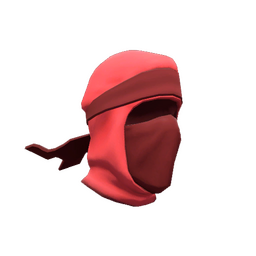
- Quality
- Unusual
- ★ Unusual Effect:
- Burning Flames
- Quality
- Unusual
- ★ Unusual Effect:
- Midnight Whirlwind
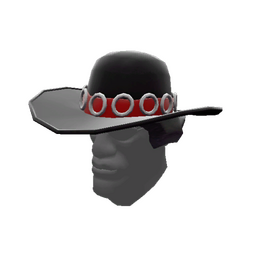
- Quality
- Unusual
- Class
- Demoman
- ★ Unusual Effect:
- Circling Peace Sign
- Quality
- Unusual
- ★ Unusual Effect:
- Flammable Bubbles of Attraction
- Quality
- Unique
- Quality
- Unique
- Quality
- Unique
- Quality
- Unique
- Quality
- Unique
- Quality
- Decorated Weapon
- Quality
- Decorated Weapon
- Quality
- Decorated Weapon
- Quality
- Strange
- Quality
- Unique
- Quality
- Unique
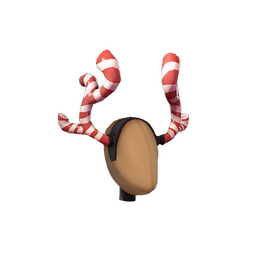
- Quality
- Strange
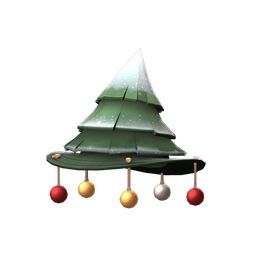
- Quality
- Strange
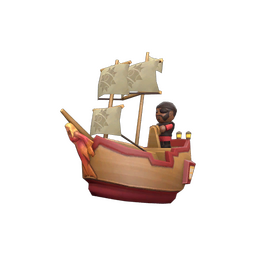
- Quality
- Unique
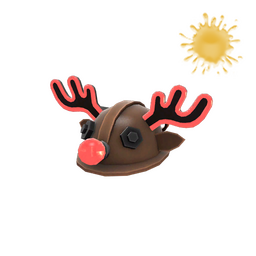
- Quality
- Unique
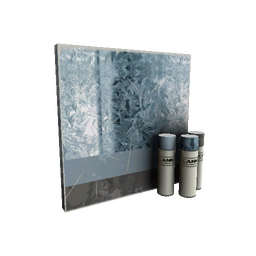
- Quality
- Decorated Weapon
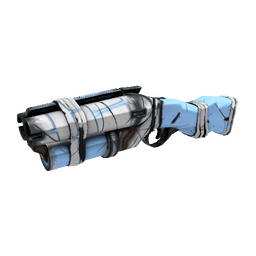
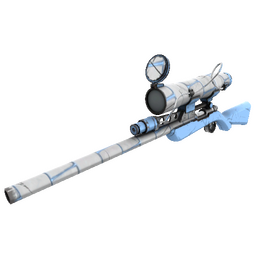
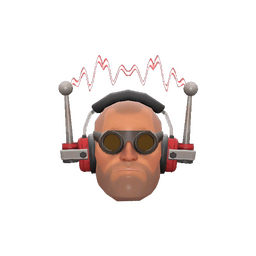
- Quality
- Unique
- Quality
- Unique
- Quality
- Strange
- Quality
- Decorated Weapon
- Quality
- Decorated Weapon
- Quality
- Decorated Weapon
- Quality
- Unique
- Quality
- Strange
- Quality
- Decorated Weapon
- Quality
- Decorated Weapon
- Quality
- Decorated Weapon
- Quality
- Strange

- Quality
- Unusual
- Quality
- Strange
- Quality
- Decorated Weapon
- Quality
- Decorated Weapon
- Quality
- Decorated Weapon
- Quality
- Strange
- Quality
- Decorated Weapon
- Quality
- Decorated Weapon
- Quality
- Decorated Weapon
- Quality
- Strange
- Quality
- Decorated Weapon
- Quality
- Strange
- Quality
- Decorated Weapon
- Quality
- Decorated Weapon
- Quality
- Decorated Weapon
- Quality
- Decorated Weapon
- Quality
- Strange
- Quality
- Decorated Weapon
- Quality
- Strange
- Quality
- Decorated Weapon
- Quality
- Decorated Weapon
- Quality
- Decorated Weapon
- Quality
- Decorated Weapon
- Quality
- Decorated Weapon
- Quality
- Strange
- Quality
- Decorated Weapon
- Quality
- Decorated Weapon
- Quality
- Strange
- Quality
- Decorated Weapon
- Quality
- Strange
- Quality
- Decorated Weapon
- Quality
- Decorated Weapon
- Quality
- Decorated Weapon
- Quality
- Decorated Weapon
- Quality
- Decorated Weapon
- Quality
- Decorated Weapon
- Quality
- Unusual
- Quality
- Unique
- Quality
- Unusual
- Quality
- Strange
- Quality
- Decorated Weapon
- Quality
- Unusual
- Quality
- Decorated Weapon
- Quality
- Strange
- Quality
- Strange
- Quality
- Decorated Weapon
- Quality
- Strange
- Quality
- Unusual
- Quality
- Decorated Weapon
- Quality
- Strange
- Quality
- Strange
- Quality
- Strange
- Quality
- Decorated Weapon
- Quality
- Strange
- Quality
- Unique
- Quality
- Unique
- Quality
- Unique
- Quality
- Unique
- Quality
- Unique
- Quality
- Unique
- Quality
- Unique
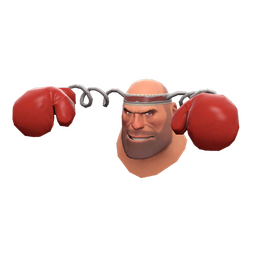
- Quality
- Unique
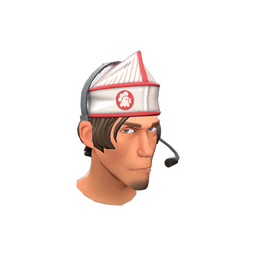
- Quality
- Unique
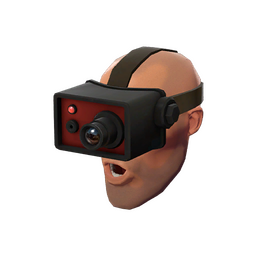
- Quality
- Unique
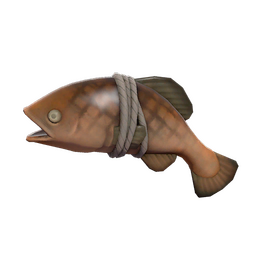
- Quality
- Unique
- Quality
- Unique

- Quality
- Unique
- Quality
- Unique
Trade TF2 Items & Skins — Tradelt
Team Fortress 2 trading is a familiar part of the game’s community. Whether you are putting together your first set of cosmetics or changing an established collection, Tradelt lets you browse TF2 items and exchange the ones you already own.
What Is Team Fortress 2 Trading?
Team Fortress 2, developed by Valve and available on Steam, has a wide range of weapons, hats, taunts and other cosmetic items. Tradable items can be exchanged through Steam offers or a trading platform. Their value depends on rarity, demand and special attributes. Trading gives you another way to complete a set or find an item that suits your favourite class.
Why Use Tradelt for TF2 Trading?
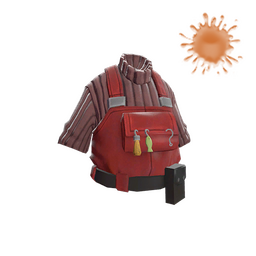
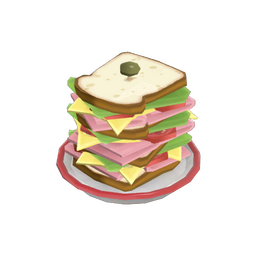
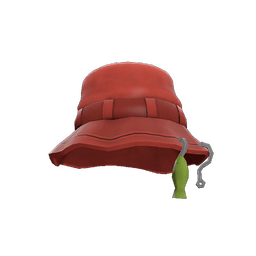
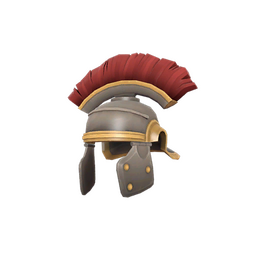
You can see the items on both sides of an exchange and compare their value before proceeding. Our trading bot prepares the Steam offer for your selection. Check the item details and final total, rather than judging a skin by its image alone.
Trade Items Between Games
To exchange TF2 items for CS2 or Rust skins, select the TF2 items you want to give, switch the receiving inventory to the other game and choose what you want in return. Then review the offer and click Trade.
How to Trade Team Fortress 2 Items
- Sign in with your Steam account and make your inventory public.
- Add your Steam Trade URL to your profile.
- Browse the available TF2 items and choose the ones you want.
- Select the items to give from your inventory, then review both sides of the trade.
- Start the trade and check the offer in Steam. Confirm it in the Steam app if required.
Frequently Asked Questions
Is Team Fortress 2 trading legitimate?
Steam supports item trading. Check the recipient’s account and the items in every offer, and keep Steam Guard enabled.
How do you determine the value of TF2 items?
Rarity, supply, demand and effects all matter. Unusual effects, item quality, Killstreak and Sheen can make similar-looking items worth different amounts. Keys and metal are also commonly used to compare values.
Can you sell TF2 items for money?
Open the TF2 selling page to see the payment methods currently available and the amount offered for your items.
Can I trade between TF2 and CS2?
Yes. Select the TF2 items to offer and the CS2 skins to receive, then review the exchange before confirming.