

Trade Your CS2 Skins Instantly
Log in to view your Steam items and exchange your skins for items from our bot’s inventory.
Sign in with steam

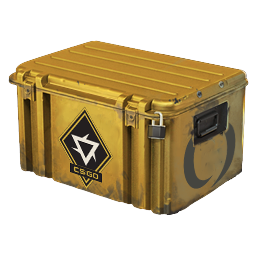
- Category
- Container
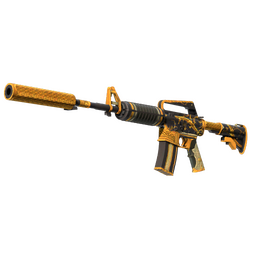
- Item
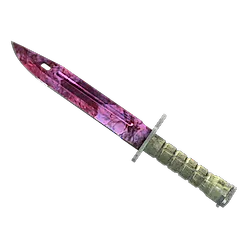
- Revolution Case
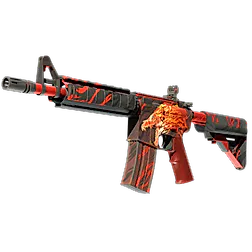
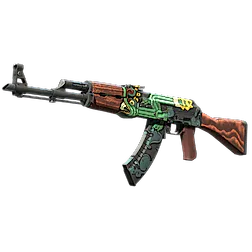
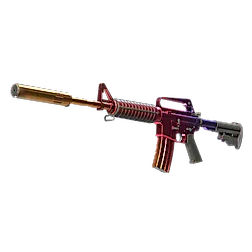
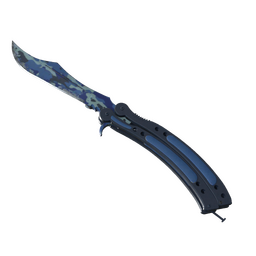
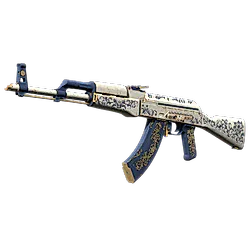
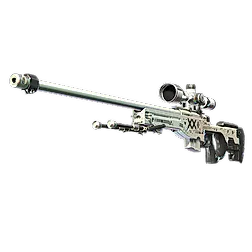
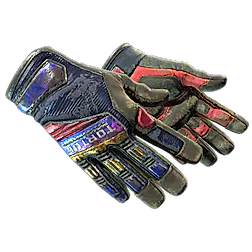
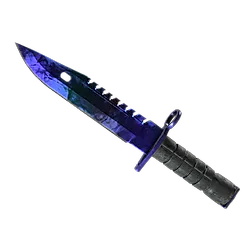
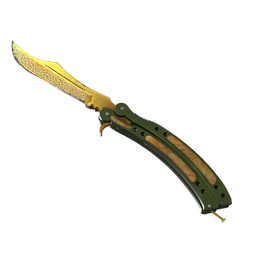
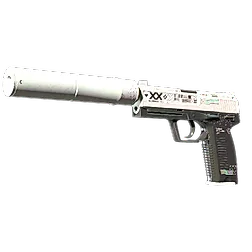
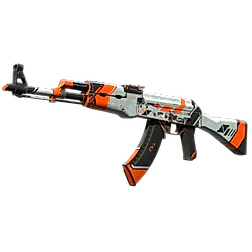
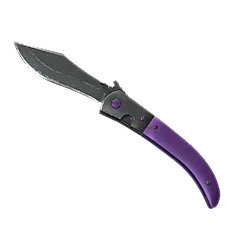
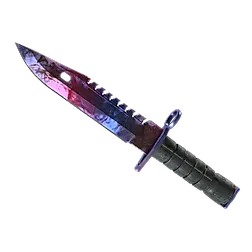
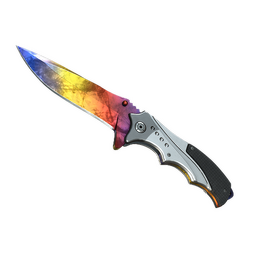
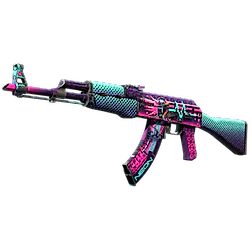
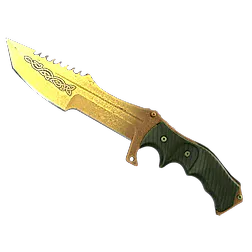
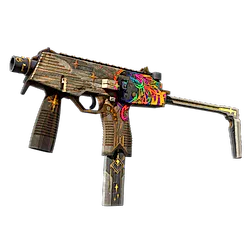
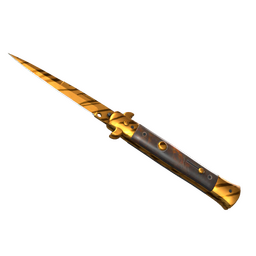
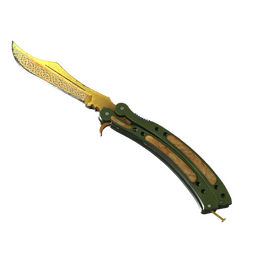
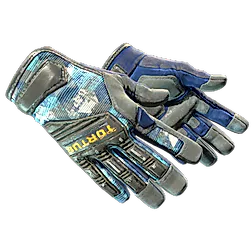
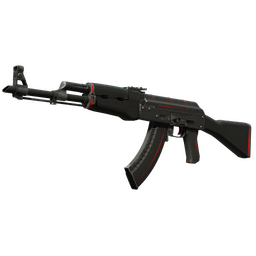
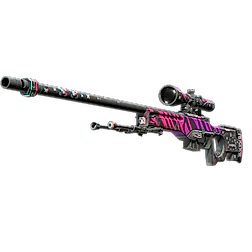
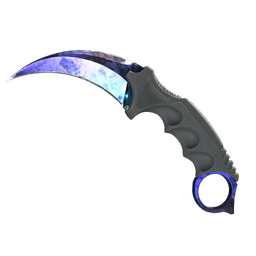
- Category
- Knife
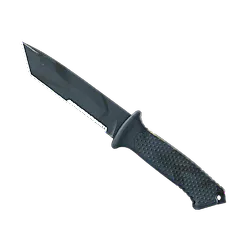
- Item
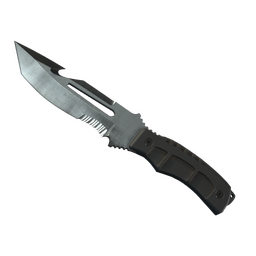
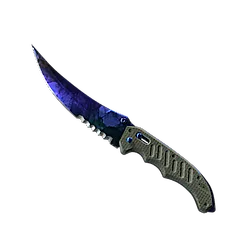
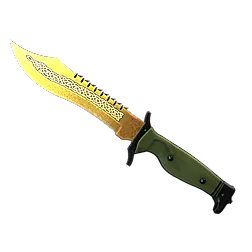
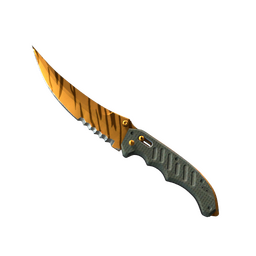
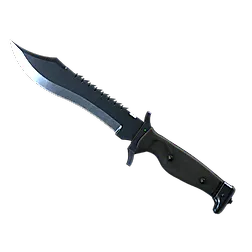
- ★ Survival Knife
- Exterior
- Vanilla
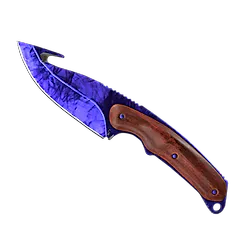
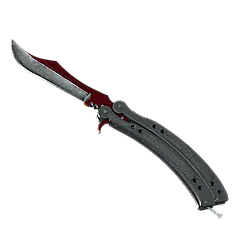
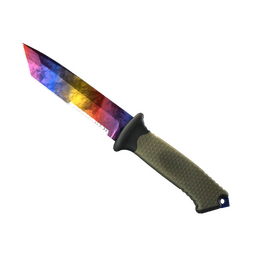
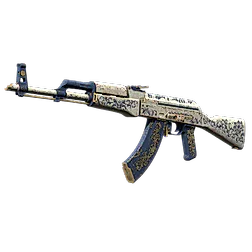
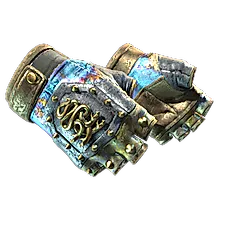
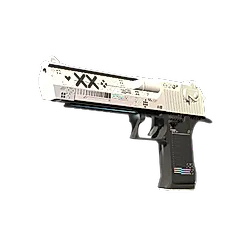
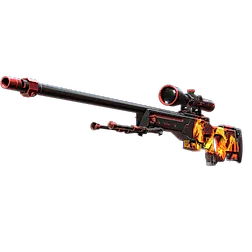
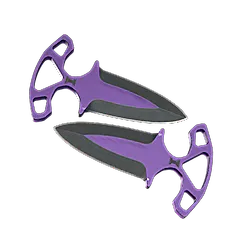
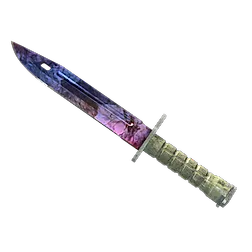

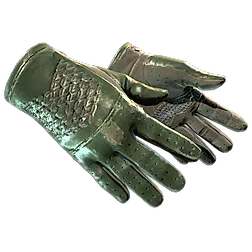
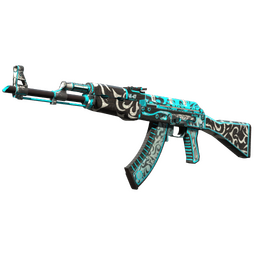
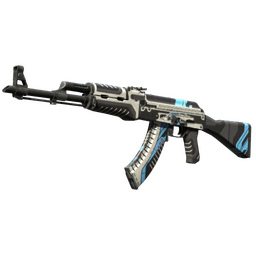
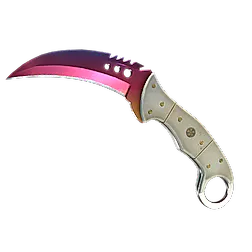
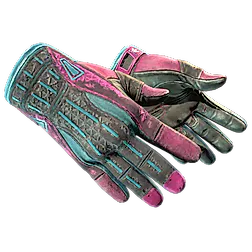

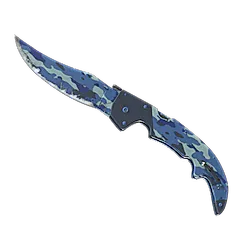
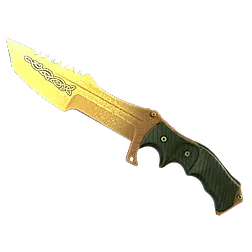
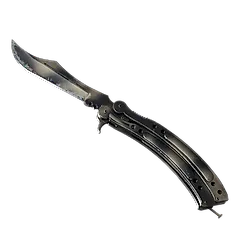
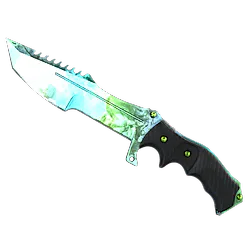
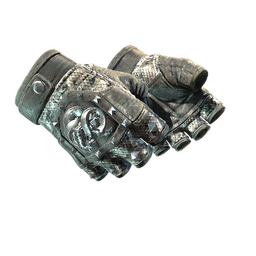
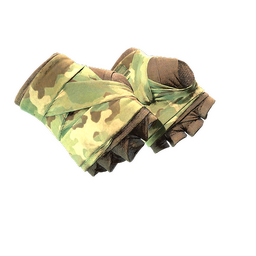
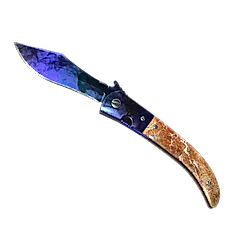
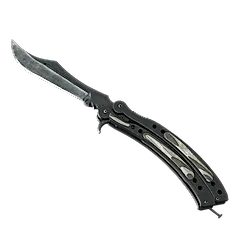
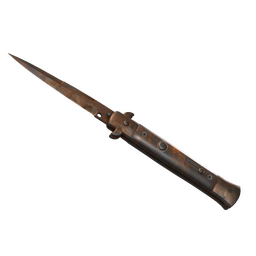
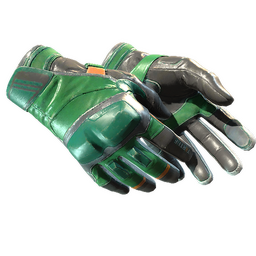
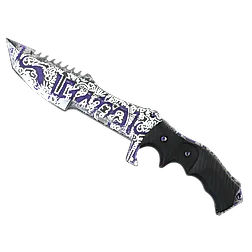
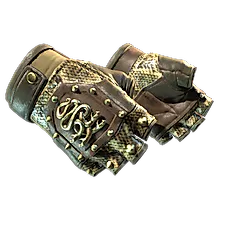
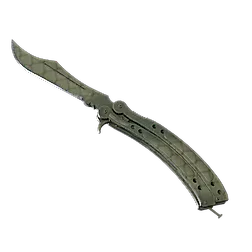
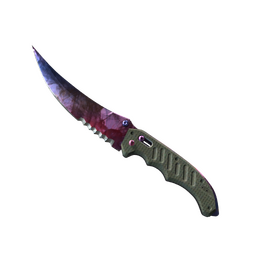
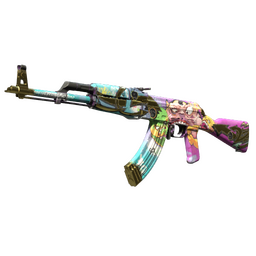
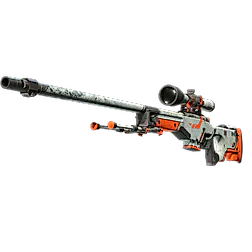
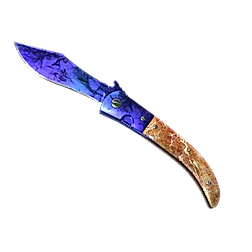
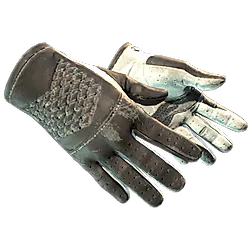
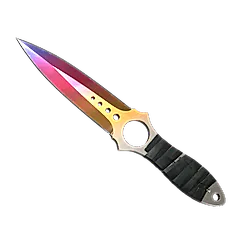
- Category
- Knife
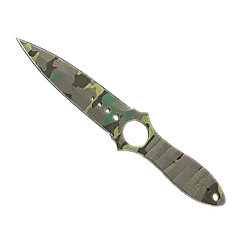
- Item
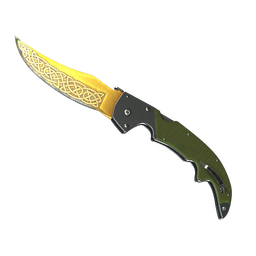
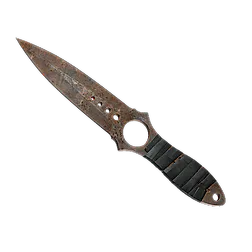
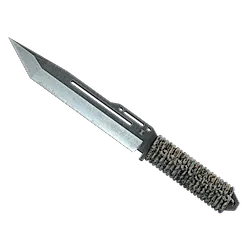
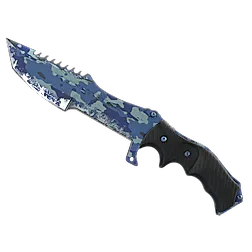
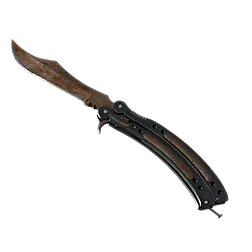
- ★ Paracord Knife
- Exterior
- Vanilla
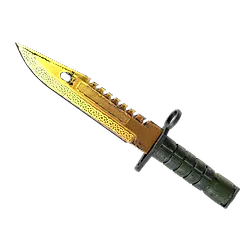
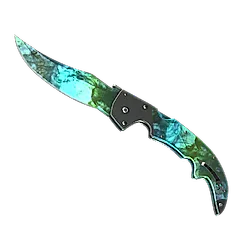
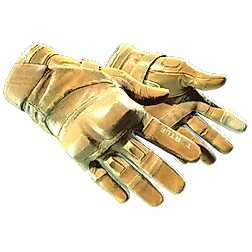
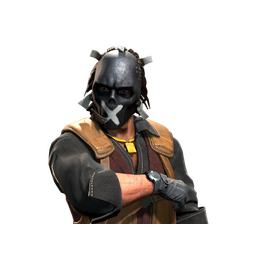
- Category
- Agent
- Item
- Sir Bloody Silent Darryl
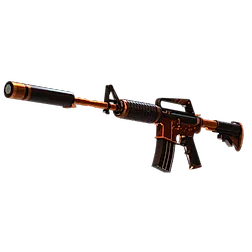

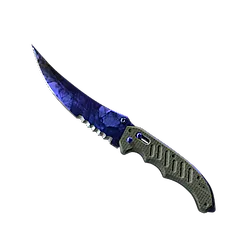
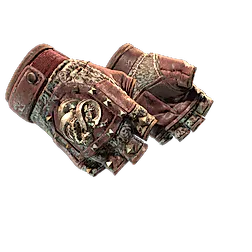
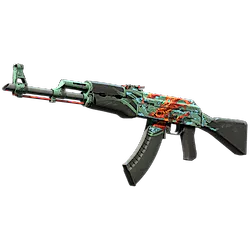
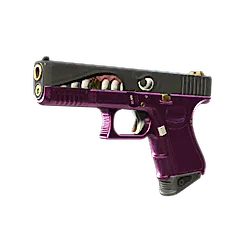

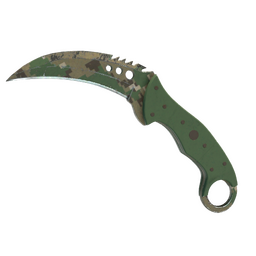
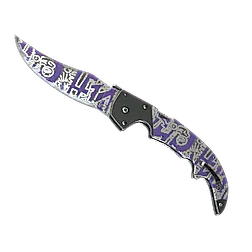
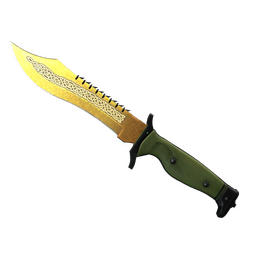
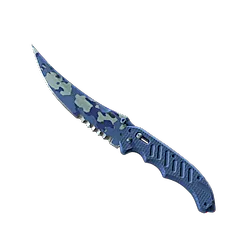
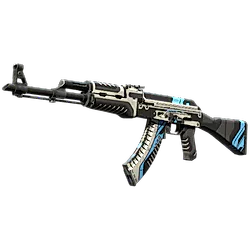
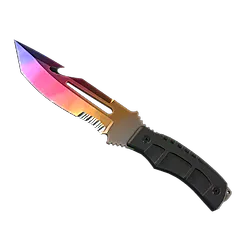
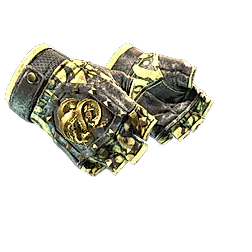

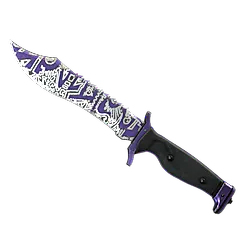
- Category
- Knife
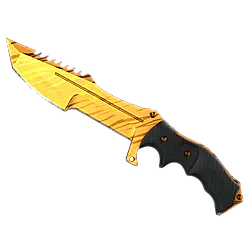
- Item
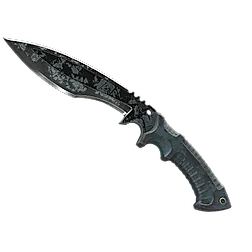
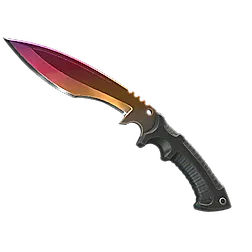
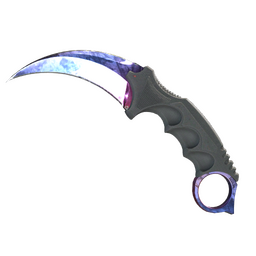
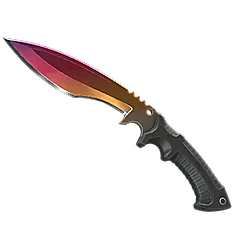
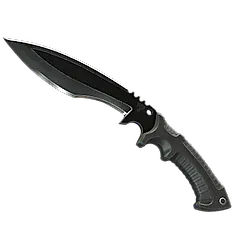
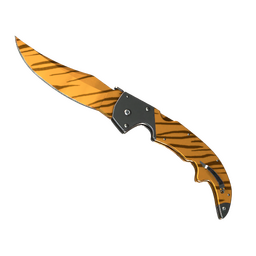
- ★ Kukri Knife
- Exterior
- Vanilla
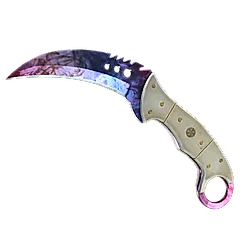
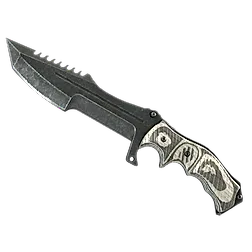
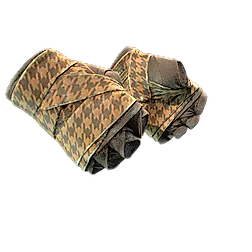
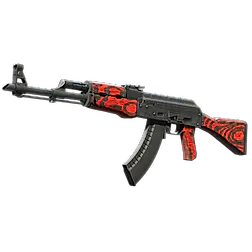
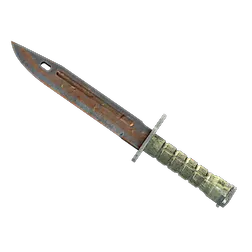
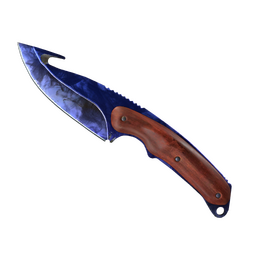
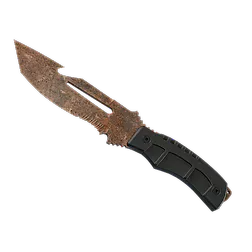
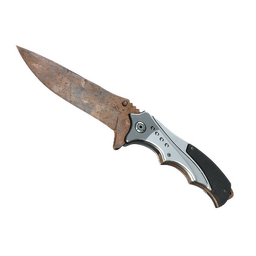
Trade CSGO/CS2 Skins — Secure Skin Trading — Tradelt
Welcome to Tradelt, a place to trade CS:GO (CS2) skins. Find a new knife, gloves or a weapon finish, choose what to give in return, and review the offer before confirming it in Steam.
Why Trade CS2 Skins on Tradelt?
CSGO/CS2 trading is a serious business—every minute, there are tons of trading transactions happening all over the world. Trading skins is a huge part of the overall CSGO experience. While there are countless websites to facilitate these exchanges, you need to work with a platform you can trust.
- Choose from the inventory: browse available skins and filter them by price, wear, rarity and other attributes.
- See both sides of the trade: the items you offer and receive stay in view, along with their total value.
- Check the details: inspect the skin’s wear, float and stickers before adding it to your trade.
- Keep track of your offer: review the selected items and check the trade status in your account.
You can use the trading page on your phone as well as your computer, so browsing skins does not have to wait until you are back at your desk.
CS2 Trading Prices and Fees
When you buy, sell or trade CS2 skins, compare the item prices and the final offer. The value shown on the page helps you decide which skins to keep and which to exchange. Check the total before confirming: the price of a skin can change with the market.
A Trading Page That Is Easy to Follow
- A clear layout: choose items from your Steam inventory on one side and the skins you want on the other.
- Item details close at hand: compare condition and other attributes without losing your selection.
- Steam confirmation: check the recipient and every item in the offer before accepting it.
CS2 Trading and the Community
Trading is part of Counter-Strike beyond the matches themselves. Players compare collections, share advice and look for skins that suit their loadout. Whether you collect a particular finish or just want a change, it helps to know what you are looking for.
Find Skins for Your CS2 Loadout
Tradelt brings buying, selling and trading into one place. Browse the available skins, compare the options and choose the items you want to play with. Inventory changes as items become available, so check back if you cannot find a particular finish.
Trade CS2 skins with us:
From your first weapon skin to a collection of knives and gloves, you can build a trade around the items you already own. Select what you are ready to part with and find something you would rather keep.
Begin Trading Today:
Sign in with Steam, open your inventory and choose your first CS2 trade.
Frequently Asked Questions
What are the best practices for safe CS2 skin trading?
For safe trading in Counter-Strike 2, verify traders, use secure platforms like Tradelt, and enable Steam Guard.
What is the difference between direct trading and using a trading bot in CS2?
The difference between direct trading and trading with a bot in CS2 is that direct trading is a user-to-user trade, while bots automate trades for speed, ease, and security as they act like middlemen.
How can I transfer CS2 skins to another account?
To transfer CS2 skins between accounts, initiate a direct trade offer to the recipient's Steam account, ensuring both parties have Steam Guard enabled for security.